Loading the homepage
Blog/Tutorials
Best AI TikTok slideshow generators in 2026.
Deeporax, ReelFarm, BigMotion.ai, Canva, CapCut and four more AI slideshow tools, compared on real pricing, what they automate, and whether they actually publish to TikTok for you.
MT
Matt Torres
Founder, Deeporax
Reviewed by Rhea Park, TikTok growth lead
Published Jul 25, 202619 min read · fact-checked
Key takeaways
- Full-loop automation platforms (Deeporax, ReelFarm, BigMotion.ai, SlideFarm) source images, write hooks, and publish to TikTok on a schedule. Manual tools like Canva and CapCut still need you to open the app and hit post yourself.
- TikTok's own 2026 platform data shows video still gets far more reach than images and carousels, so the case for slideshows is speed and scale, not raw reach per post.
- Headline pricing is misleading here. Compare the effective cost per published slideshow and whether direct TikTok publishing is actually included before picking the plan that looks cheapest.
What "AI TikTok slideshow generator" actually means in 2026.
An AI TikTok slideshow generator is any tool that turns a prompt, a product description, or a folder of photos into a swipeable TikTok Photo Mode post. That's the simple definition. The confusing part is that the label now covers three genuinely different kinds of product, and most "best of" lists lump them together like they compete on the same axis.
The first kind is a manual design tool with AI features bolted on, Canva and CapCut are the obvious examples. You still open the app, build the slideshow yourself with AI assistance, and post it by hand. The second kind is a pure AI generator: you give it a prompt or a product name, it builds the whole slideshow, and hands you the files back to post yourself. The third kind is a full automation platform that sources images, writes the hook and captions, lays out the slides, and publishes straight to TikTok on a schedule, no manual posting step at all.
That distinction matters more than any single feature comparison, because it changes what you're actually paying for. A design tool sells you creative control. A generator sells you speed. An automation platform sells you your time back, every single day, not just on the day you sit down to make one slideshow.
One more thing worth naming up front: this is a genuinely crowded, fast-moving niche. In the course of researching this piece we found well over a dozen products with near-identical pitches, source images, write a hook, post on a schedule, and several with names similar enough to confuse (SlideFarm and ReelFarm are different products; AutoSlides and Autoslides.pro are also two separate things). Pricing and feature lists in this space change often enough that we'd encourage you to check each company's current pricing page before paying, even the ones quoted below with a specific date attached.
How we evaluated the tools below.
We compared every tool on four things: does it source or generate the images for you, does it write the hook and caption, does it publish directly to TikTok (versus handing you a file to upload yourself), and what does a realistic month of posting actually cost once you look past the headline price.
In the interest of being upfront about our own bias: Deeporax is our product, so we're describing it directly from our own pricing and feature pages, not a third-party review. For every other tool in this guide, we pulled the details straight from each company's current pricing pages and product documentation, current as of publication and linked in the sources section below. We did not run a paid trial on every competitor listed here, so treat exact generation counts and credit math as accurate to what each vendor publishes rather than our own hands-on measurement. Where a company didn't publish a clear number (a specific credit price, for instance), we said so instead of guessing.
We also didn't include every tool we found. A handful of products in this space had no public pricing, no verifiable feature list, or contradictory claims across their own pages, and we left those out rather than repeat a number we couldn't confirm.
The comparison at a glance.
Here's the full set side by side. "Auto-publishes to TikTok" means the tool itself pushes the post live or into your TikTok queue, not that you export a file and upload it yourself.
| Tool | Category | Entry price | Auto-publishes to TikTok | Best for |
|---|---|---|---|---|
| Deeporax | Full-loop automation | Free (3 posts); $29/mo | Yes, schedule or publish direct | Faceless pages that want sourcing, hooks, layout, posting and analytics in one place |
| ReelFarm | Full-loop automation | $49/mo | Yes, schedule or publish direct | Teams running unlimited TikTok accounts off Pinterest-sourced automations |
| BigMotion.ai | Full-loop automation | $19/mo | Yes, TikTok plus other networks | Turning a product description into a slideshow in seconds, e-commerce use cases |
| SlideFarm | Full-loop automation | Pay-per-published-post credits | Yes, via TikTok's official posting API | Creators who only want to pay for posts that actually go live, using their own images |
| AutoSlides | AI generator, manual posting | Free; $8.99/mo | No, exports images for manual upload | Solo creators fine posting by hand who just want the design and copy done fast |
| Predis.ai | AI generator, multi-platform | $19/mo | Only on the $40/mo tier and up | Marketers who need one tool across Instagram, LinkedIn and Pinterest too, not just TikTok |
| Canva | Manual design tool | Free; $15/mo | Manual publish; native TikTok scheduling is limited | Full creative control and the largest template library |
| CapCut | Manual video/photo editor | Free; $10-$20/mo | Manual export and share only | Creators who want transitions, effects and audio editing beyond static slides |
Pricing and features pulled from each company's public pricing pages, current as of July 2026; see sources below.
Read that table as three clusters, not eight competitors. Deeporax, ReelFarm, BigMotion.ai and SlideFarm compete on how well they automate the whole loop. AutoSlides and Predis.ai compete on how fast they generate a good-looking slideshow, with posting left to you. Canva and CapCut compete on creative control for people who don't want automation at all, just a better way to build the thing by hand.
Full-loop automation platforms: source, write, schedule, publish.
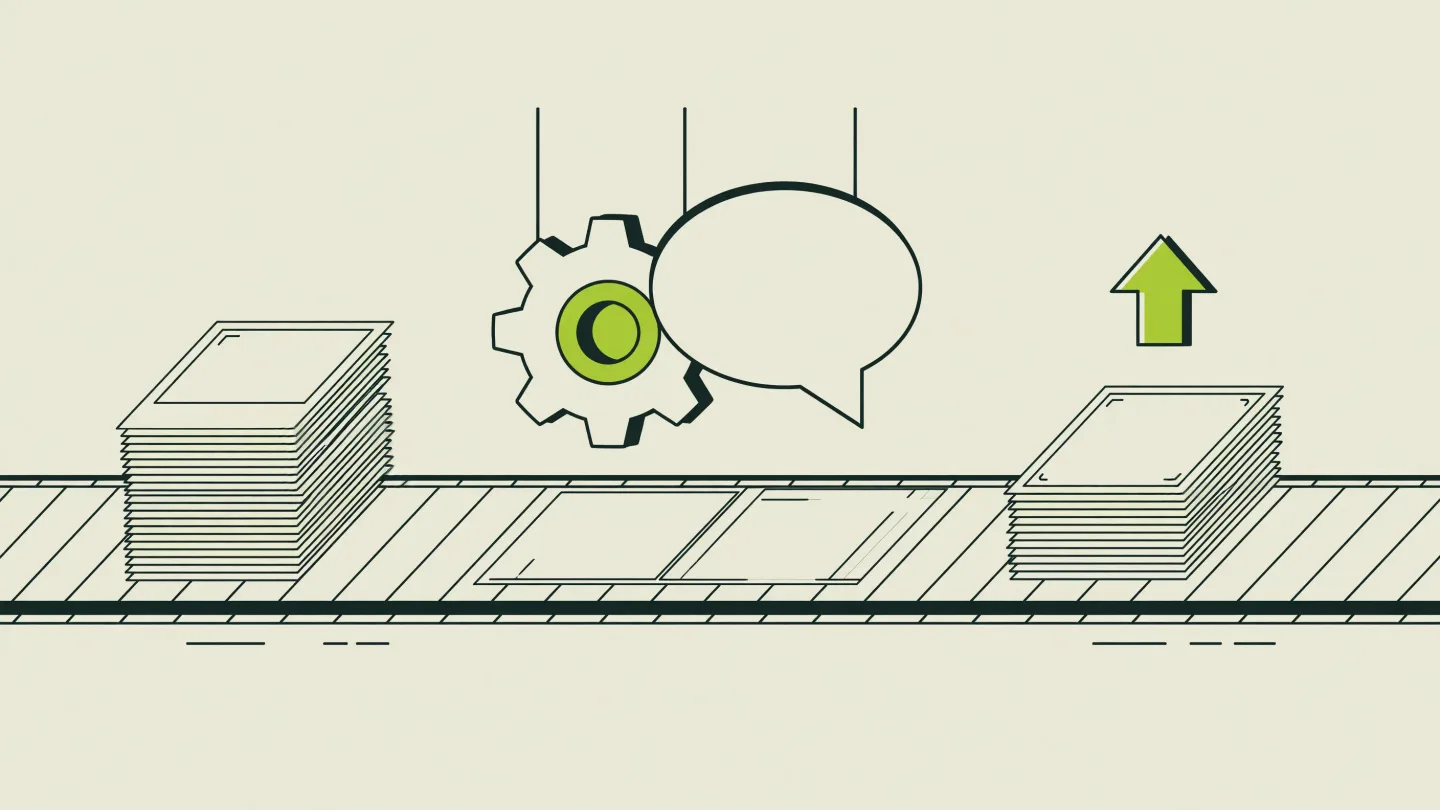
These four tools are built around the same premise: set it up once, and it keeps producing and posting without you opening the app every day. That's a meaningfully different product than a generator, and it's the category worth paying attention to if the goal is a page that posts daily without becoming a part-time job.
Deeporax runs the full pipeline: it sources images automatically from Pinterest (or uses your own collections), writes the hook, content and CTA slides in its editor, and renders AI UGC characters with a consistent AI face plus reference-to-video ads in their own voice. A trending-on-X feed (Deeporax Intelligence) surfaces what is moving so you can remix a trend before it peaks. Everything is metered in AI credits, where one credit is one second of AI video or one generated image, so a six-slide slideshow is six credits and a five-second ad is five. The free tier grants 15 credits a month with no card required. Growth is $29/month for 150 credits and 10 automations; Scale is $69/month for 300 credits and 20 automations; Enterprise is $149/month for 750 credits and 200 automations. Publishing and scheduling to TikTok, Instagram and Facebook, post analytics and a mobile app are listed as coming soon rather than live today, which is worth knowing if scheduled posting is part of your plan.
ReelFarm also runs a full automation loop: it sources images from Pinterest automatically, writes AI captions and hooks, and either schedules posts or publishes them directly to TikTok. Every tier includes unlimited TikTok accounts and unlimited team members, which makes it a natural fit for an agency managing several client pages. Pricing starts at $49/month for 10 automations (Growth), $95/month for 20 (Scale), and $195/month for 200 (Enterprise), with the option to bring your own Anthropic API key on the top tier for unlimited generations. There's no published free tier, so the entry cost is meaningfully higher than Deeporax's free plan or BigMotion's $19 tier.
BigMotion.ai takes a different starting point: you describe a product in a short sentence, and its AI builds an entire slideshow from that description in seconds, no image sourcing step to manage yourself. Everything is editable afterward, swap images, rewrite text, generate new AI visuals with one click, and it auto-posts to TikTok, Instagram and other networks from one dashboard. Pricing is generation-capped rather than automation-capped: Basic is $19/month for roughly a dozen slideshow generations, scaling up through Pro ($39/month, about 30 generations), Ultimate ($69/month, about 63), and Creator ($89/month, about 102), with 20% off most tiers billed annually. That structure makes it cheaper to start than ReelFarm, but the per-generation cost drops more slowly than a fixed-slideshow-count plan like Deeporax's.
SlideFarm works on your own images rather than sourcing or generating them: you upload photos into collections, configure an AI prompt per niche, and it writes the text overlays, picks music, and posts on a schedule, up to six times a day, using TikTok's official Content Posting API with OAuth rather than a workaround. A draft mode lets you review before anything goes live if you'd rather approve each post manually. Pricing runs on a credit system where one credit equals one published post, credits are only spent when a post actually goes live (a failed post costs nothing), and credits don't expire. SlideFarm's own site reports 16 million-plus views and a 9.9% average engagement rate across posts published through the platform, a self-reported figure worth treating as a vendor claim rather than an independently audited number. The specific price per credit isn't published on the page we reviewed, so we're not going to guess at a number here; check current pricing directly before comparing it against the fixed-price tools above.
AI generators and manual editors: strong output, you still hit publish.
The next four tools are worth including because a lot of creators genuinely don't want automation, either because they're testing a niche and want to see every post before it goes live, or because their workflow already includes a manual review step they're not willing to give up. None of these publish to TikTok on their own by default the way the tools above do.
AutoSlides (autoslides.pro) is a straightforward text-to-slideshow generator: describe what you want, get a complete slideshow back in around 28 seconds on average, then adjust it with drag-and-drop editing before exporting the finished slides as high-quality PNGs in a ZIP file. That export step is the key difference from the automation platforms above, there's no TikTok API connection, so you're uploading the result yourself. The free tier allows unlimited manual slideshow creation with no AI generation included. Pro is $8.99/month for 30 AI-generated slideshows and 8 AI-generated images monthly with priority support and HD export. Premium is $15.99/month for 50 AI slideshows and 15 AI images. No credit card is required to start, and the company reports more than 10,000 creators using the free and paid tiers combined.
Predis.ai is a broader AI social content generator, not TikTok-specific, that also produces posts, carousels, reels and ad creative for Instagram, Facebook, LinkedIn, Pinterest and X, with TikTok listed among its publishing channels. The Core plan is $19/month for 1,300 credits (roughly 86 AI images or 9 AI videos a month), covering one brand and up to 10 connected social channels, but auto-posting isn't included at this tier, you still push content live yourself. Auto-posting (two posts per day per brand) only unlocks on the $40/month Rise plan, which also raises the credit allowance to 3,200 and supports up to four brands and 20 channels. Enterprise+ at $212/month adds a third daily auto-post per brand, unlimited brands, 60 channels and API access. If TikTok is your only platform, this is a more expensive way to get automated publishing than the TikTok-native tools above; it earns its price if you're actually running content across four or five platforms at once.
Canva needs little introduction, and its 2026 Magic Studio update leans hard into AI: Magic Design turns a text prompt into an editable layout (a five-slide carousel in about 14 seconds in Canva's own demos), Dream Lab generates images with style transfer, and Magic Write drafts captions. The free tier includes 10 Magic Design and 5 Dream Lab generations a month; Pro at $15/month raises that to unlimited Magic Design generations and 500 Dream Lab generations, plus full Brand Kit integration. Canva's Content Planner schedules posts to Facebook, Instagram, Pinterest, X and LinkedIn, but its TikTok scheduling support has been reported as inconsistent through 2026, meaning direct publishing to TikTok from the video editor is more reliable than trying to queue TikTok posts through the planner itself. What Canva gives up in automation, it makes up for in raw creative flexibility and a template library that dwarfs anything purpose-built for slideshows.
CapCut is the default video and photo editor for a huge share of TikTok creators, and it's directly integrated with TikTok for one-time export and posting, not scheduled automation. Its early-2026 pricing restructure renamed the old Pro tier to Standard ($10/month) and introduced a new Pro tier at $20/month with 4K export, 1TB of cloud storage, 1,200 AI points, and the full AI toolkit (camera tracking, flicker removal, vocal isolation, speaker-ID captions). A Team plan runs $24.99/month per seat, and there's a 7-day free trial on Pro. For slideshows specifically, CapCut gives you real transitions, a full audio library, and per-slide text and animation control that most of the AI generators above don't match, at the cost of building every post by hand.
Does TikTok actually reward slideshows over video? What the 2026 data shows.
No, not on raw reach. This is worth stating plainly because a fair number of slideshow tool marketing pages imply the opposite, that Photo Mode now outperforms video on TikTok's algorithm. The actual platform data we could verify says the reverse.
Metricool's 2026 TikTok study, built from 2,314,756 posts across more than 92,000 accounts worldwide comparing January-February 2025 to January-February 2026, found that video still generates roughly 5 times more reach and 6 times more interactions than images or carousels on TikTok. That's a big gap, and it held across the full dataset, not a small sample. The same study found overall TikTok performance declining industry-wide: video views fell 31.3% year over year, reach dropped 28.73%, and interactions declined 31.17%, alongside a 72.1% jump in video posting volume and a roughly 140% jump in image and carousel posting volume. In other words, everyone is posting more into a shrinking pool of attention, and video is still winning the larger share of it.
Videos remain TikTok's strongest format, generating 5x more reach and 6x more interactions than images or carousels.
Metricool, 2026 TikTok Study
So why does a whole industry of slideshow tools exist if video wins on reach? Because reach per post isn't the only variable that matters to a working creator. A slideshow takes a fraction of the time to produce, doesn't require a camera, a voice, or an on-screen presence, and can be run at genuine scale across multiple accounts by one person or a small team, none of which is true of a produced video. Metricool's own data also found that 16.47% of accounts studied grew into a higher follower tier over the period, and that posts with hashtags saw about 5% more views and 9% more interactions, gains available to any format, not just video.
The honest framing is this: pick video if the goal is maximum reach per individual post and you have the time or team to produce it. Pick slideshows if the goal is consistent daily output, faceless operation, or running several accounts at once, and you're willing to accept a lower reach ceiling per post in exchange for volume and speed. Most of the highest-output faceless operators we've seen run some mix of both rather than betting everything on one format; our comparison of slideshows versus videos goes deeper into that tradeoff.
What a month of slideshows actually costs.
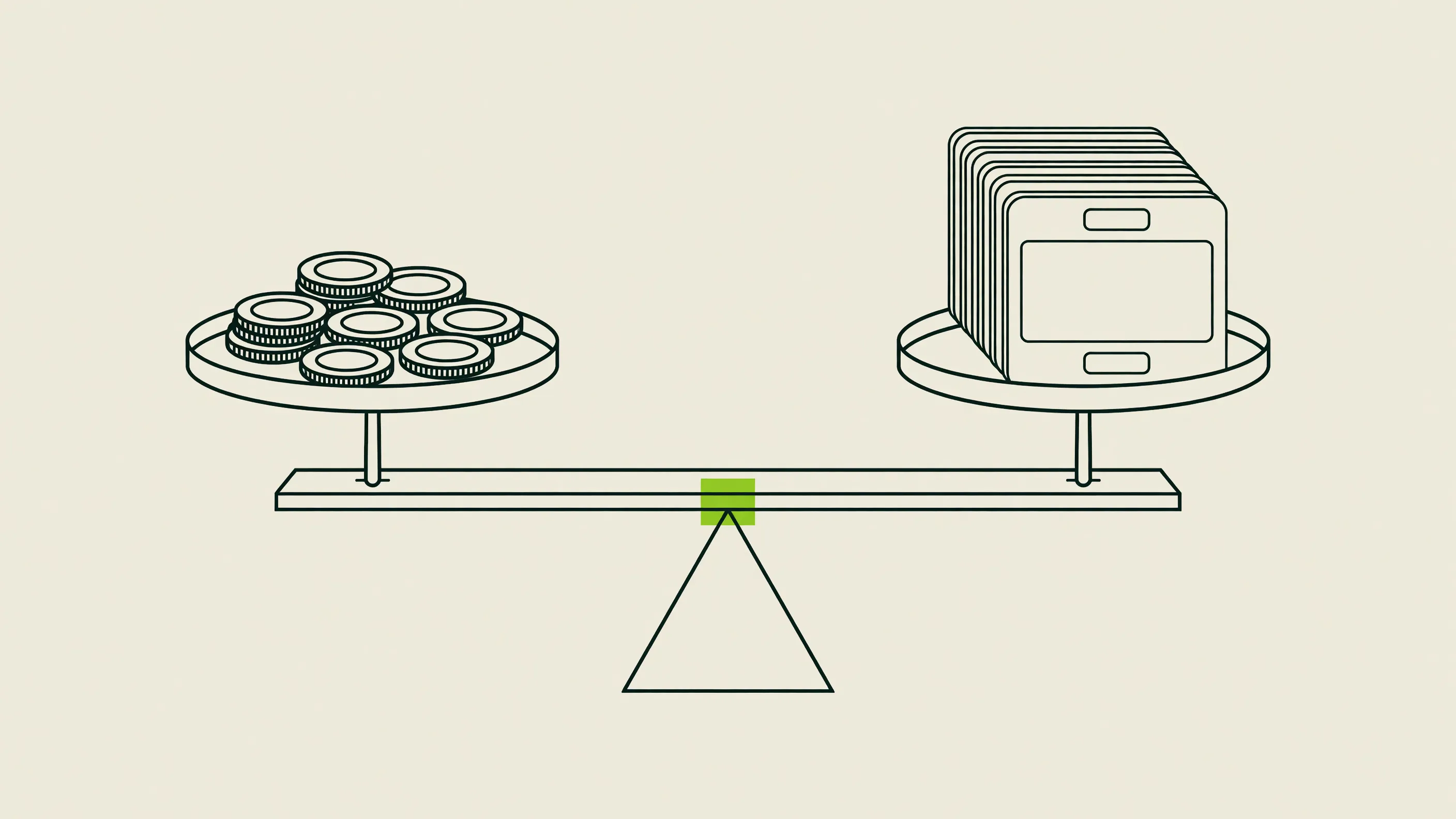
Headline pricing hides more than it reveals in this category, because tools charge by wildly different units: fixed post counts, AI generation credits, automation slots, or literal pay-per-published-post. Here's the same set of plans converted into an effective cost per slideshow where the vendor's own numbers make that calculation possible.
| Tool / plan | Monthly price | What's included | Effective cost per slideshow |
|---|---|---|---|
| Deeporax Growth | $29 | 150 AI credits/mo (25 slideshows or 30 short ads) | ~$1.16 |
| Deeporax Scale | $69 | 300 AI credits/mo (50 slideshows or 60 short ads) | ~$1.38 |
| BigMotion.ai Basic | $19 | ~12 generations + auto-post | ~$1.58 |
| BigMotion.ai Creator | $89 | ~102 generations + auto-post | ~$0.87 |
| AutoSlides Pro | $8.99 | 30 AI slideshows, manual posting | ~$0.30 |
| AutoSlides Premium | $15.99 | 50 AI slideshows, manual posting | ~$0.32 |
| ReelFarm Growth | $49 | 10 automations (not a fixed post count) | not directly comparable |
| Predis.ai Core | $19 | ~86 AI images or ~9 videos, no auto-post | not carousel-specific |
| Canva Pro | $15 | Unlimited manual designs | ~$0, fully manual labor |
| CapCut Pro | $20 | Unlimited manual exports | ~$0, fully manual labor |
Calculated from each vendor's own published plan limits (July 2026). ReelFarm and Predis.ai price by automation slots or generic AI credits rather than a fixed slideshow count, so a like-for-like per-post figure isn't available from public pricing alone. Canva and CapCut are unlimited-creation subscriptions with no AI generation cap, but every post is built by hand.
Two things stand out once the math is laid side by side. First, the automation platforms with fixed monthly post allowances (Deeporax, and to a lesser extent BigMotion.ai at its higher tiers) get meaningfully cheaper per post as you move up a tier, since the automation and publishing infrastructure is a fixed cost spread across more output. Second, "unlimited" tools like Canva and CapCut aren't actually the cheapest option once you count your own time; a $0 marginal cost per design still assumes someone sits down and builds, exports, and uploads every single post.
If you're comparing tools purely on the number printed on the pricing page, BigMotion.ai's $19 entry and Deeporax's free tier look similar. They aren't: BigMotion's $19 plan caps out around a dozen generations a month, while Deeporax's free tier is capped lower in absolute count but includes the full posting pipeline with no manual export step, and its $29 paid tier delivers roughly eight times BigMotion's post volume at about 1.5x the price.
Which tool actually fits your situation.
"Best" depends entirely on what you're building. Here's how the tools above sort by the situation creators actually message us about.
If you're a solo creator running one or two faceless pages and want the whole loop handled, sourcing, writing, posting, and analytics, without a per-generation credit ceiling that runs out mid-month, that's the exact gap Deeporax and ReelFarm are built for. Deeporax's free tier is the lower-risk way to test that workflow before paying anything; ReelFarm has no free tier, so budget for at least $49/month if you go that route instead.
If you're running an e-commerce store or a TikTok Shop-adjacent product and mainly need slideshows built from a product name or description with minimal input, BigMotion.ai's describe-it-and-generate flow is the fastest path to a first draft, and its auto-posting to multiple networks covers Instagram alongside TikTok without a separate tool. Just budget for the fact that its generation cap grows more slowly per dollar than Deeporax's fixed-post-count plans as you scale volume.
If you already have your own photography (product shots, real UGC, brand photos) and don't want a tool sourcing or generating images for you, SlideFarm's pay-per-published-post model is worth a look precisely because it doesn't charge you for anything that doesn't go live, and it posts through TikTok's own official API rather than a workaround.
If you're an agency or a team managing several client accounts and need one dashboard across accounts, ReelFarm's unlimited-accounts-on-every-tier structure and Deeporax's unlimited team and account access on every paid plan both fit that use case; the deciding factor is usually whether you'd rather pay per automation (ReelFarm) or per output volume (Deeporax).
If you're testing a niche before committing to any automation, or you want to hand-review every post before it's public, start with a manual or semi-automated tool instead: AutoSlides for the fastest AI-assisted draft, or Canva and CapCut if creative control matters more than speed. None of these will post on a schedule for you, so plan on the manual upload step staying part of your routine.
And if TikTok is one channel among several you're actively managing content for, Predis.ai's multi-platform credit system is the only tool on this list built to cover Instagram, LinkedIn and Pinterest at the same time, at the cost of TikTok-specific depth and a higher price for auto-posting than any TikTok-native option here.
Common mistakes when choosing a slideshow tool.
A few patterns show up over and over in how creators pick, and later regret, a tool in this category.
The most common one is comparing sticker prices without checking what unit they're actually priced in. A $19 plan and a $29 plan look close on paper; one of them might include 12 generations and the other 100 full posts with publishing built in. Always convert to cost per finished, published slideshow before deciding a tool is cheap or expensive.
A close second is assuming "AI generator" means "posts itself." Several strong tools in this space, AutoSlides among them, produce excellent slideshow files and then stop, handing you a ZIP of images to upload manually. That's a fine tradeoff if you want manual review, but it's a bad surprise if you bought the tool specifically to stop opening the TikTok app every day.
Third, watch for output that reads as obviously AI-made: stock-photo sameness, generic stock captions, or a layout that looks templated across every post in your niche. TikTok's originality policy already treats low-effort, minimally transformed slide content as a red flag regardless of which tool produced it, so the choice of tool matters less here than whether you're actually varying hooks, images, and pacing post to post.
Fourth, don't ignore account risk. Any tool that posts on your behalf needs some form of access to your TikTok account, whether through TikTok's official Content Posting API or a browser-based session. Favor tools that are explicit about using TikTok's official API (SlideFarm names this directly) over ones that are vague about how publishing actually works under the hood.
Finally, don't buy a year upfront in a category this young. Several of the tools compared here didn't exist two years ago, and pricing, feature sets, and even which platforms they support have shifted meaningfully within a single year. A monthly plan costs a little more per month but keeps you free to switch the moment a better fit shows up.
A 7-day plan to actually test before you commit.
Rather than picking from a spec sheet, spend a week actually running output through each shortlisted tool before you pay for a full month or a year.
| Day | What to do |
|---|---|
| Day 1-2 | Sign up for the free or lowest-cost tier of your top two candidates. Generate 3-5 slideshows in your actual niche, not the tool's demo template. |
| Day 3 | Compare the raw output side by side for hook quality, image relevance, and whether it looks templated. Don't judge on the demo reel, judge on your own draft. |
| Day 4 | If the tool claims direct TikTok publishing, actually connect an account (a test account if you have one) and confirm a post goes live end to end. |
| Day 5 | Do the cost math from the section above using your real expected volume, not the plan's minimum tier, then re-rank your shortlist. |
| Day 6-7 | Pick one tool and commit to a full week of daily posting on your real account before evaluating results. One tool, one week, no switching mid-test. |
The tools you don't pick aren't wasted time. A week of hands-on comparison tells you more about fit than any table in this article, including the ones above. If the pipeline you land on is Deeporax's, the features page walks through the full workbench and the pricing breakdown shows exactly where a page like yours would land.
Frequently asked questions.
What is an AI TikTok slideshow generator?+
It's software that turns a prompt, product description, or set of photos into a swipeable TikTok Photo Mode post. Some just generate the slides and hand you the files; others also write the hook, schedule the post, and publish it to TikTok directly without you touching your phone.
Is a TikTok slideshow the same thing as Photo Mode?+
Yes. Photo Mode is TikTok's native term for a post made of swipeable images rather than a single auto-playing video. TikTok supports up to 35 photos in a single Photo Mode post, though most well-performing slideshows use somewhere between 5 and 15 slides.
Do I need a paid tool to make TikTok slideshows at all?+
No. TikTok's native app lets you switch to Photo Mode and post directly from your camera roll for free. Paid tools earn their price by sourcing images for you, writing hooks and captions, scheduling ahead, or running the whole thing as a recurring automation rather than replacing a feature TikTok already gives away.
What's the real difference between a slideshow generator and an automation platform?+
A generator (like AutoSlides) produces the finished slideshow and stops there, you still upload it yourself. An automation platform (like Deeporax, ReelFarm, BigMotion.ai or SlideFarm) also schedules or publishes the post directly to TikTok, so the daily posting habit runs without you opening the app.
Do slideshows actually perform better than video on TikTok?+
No, not on raw reach. Metricool's 2026 TikTok study, covering over 2.3 million posts from more than 92,000 accounts, found video generates roughly 5 times more reach and 6 times more interactions than images or carousels. Slideshows win on production speed and how easily they scale across accounts, not on reach per post.
Which of these tools actually posts directly to TikTok without me doing it manually?+
Deeporax, ReelFarm, BigMotion.ai and SlideFarm all publish directly, either on a schedule or on demand. AutoSlides exports images for manual upload. Canva and Predis.ai only auto-post on specific paid tiers or with inconsistent TikTok support; CapCut is manual export and share only.
How much does it realistically cost to run a slideshow page every month?+
It depends heavily on the pricing unit. Deeporax's Growth plan works out to roughly $0.29 per published slideshow at full usage; BigMotion.ai's entry tier is closer to $1.58 per generation before you scale up. Always divide the monthly price by the actual number of finished, publishable posts included, not the sticker price alone.
Can I use my own photos instead of AI-generated or Pinterest-sourced images?+
Most of these tools support it. Deeporax accepts your own image collections alongside Pinterest auto-sourcing, SlideFarm is built entirely around your uploaded images, and Canva and CapCut are manual editors where you supply every image by default.
How many photos can I actually put in one TikTok slideshow?+
TikTok's Photo Mode supports up to 35 images per post. In practice, 5 to 15 slides tends to perform best; a slideshow padded out toward the 35-photo ceiling usually loses viewers before the last few slides regardless of which tool built it.
Can any of these tools run more than one TikTok account at the same time?+
Yes. Deeporax includes unlimited TikTok accounts and team members on every paid plan, and ReelFarm advertises unlimited accounts on all of its tiers too, which is why both show up as fits for agencies managing several client pages from one dashboard.
Why does my automated slideshow look obviously AI-made?+
Usually it's generic stock imagery, repetitive caption phrasing, or a layout that looks identical across every post in a niche, not the tool itself. TikTok's originality policy flags low-effort, minimally varied slide content regardless of what produced it, so vary your hooks, images, and pacing between posts even when a tool is generating the draft.
My free trial ran out of credits before I posted much. Is that normal?+
It's common with credit-based generators like Predis.ai or BigMotion.ai, where a single AI image or video generation can consume several credits at once, and a handful of test posts burns through a free allowance faster than expected. Fixed-post-count plans (Deeporax's free tier, for instance) make it easier to predict exactly how far a trial goes.
Will TikTok flag or restrict AI-generated slideshows?+
AI-generated content is allowed on TikTok, but content that could pass for a realistic depiction of real people, places or events needs a visible label under TikTok's synthetic media rules, and TikTok can apply that label automatically when it detects embedded AI metadata. Captions, hooks, and hashtags written with AI assistance are exempt from labeling. For the full breakdown, see our guide to TikTok's AI content policy for creators.
I switched slideshow tools and now my posting schedule or TikTok connection broke. What happened?+
Each tool authorizes its own connection to your TikTok account, so switching tools means reauthorizing access and rebuilding your posting schedule from scratch, nothing carries over automatically. Disconnect the old tool's access in TikTok's settings before connecting a new one to avoid two tools fighting over the same queue.
Is it risky to give a third-party tool permission to post on my TikTok account?+
Some risk exists with any tool that can publish on your behalf, which is why it's worth checking whether a tool uses TikTok's official Content Posting API (SlideFarm names this specifically) versus a less transparent method. Review connected apps in your TikTok account settings periodically and revoke access for any tool you've stopped using.
Sources.
- Metricool: 2026 TikTok Study Reveals 31% Drop in Video Views Amid Content Saturation
- Metricool: How to Make a Slideshow on TikTok (Photo Mode Guide)
- TikTok: How to Enable Photo Mode on TikTok
- Kontentino Social Media Dictionary: What is TikTok Photo Mode?
- Backlinko: TikTok Statistics You Need to Know
- ReelFarm: AI TikTok Automation & Video Marketing
- BigMotion.ai: AI TikTok Slideshow Maker
- AutoSlides: Create Viral TikTok & Instagram Slideshows
- SlideFarm: Automate Your TikTok Slideshows with AI
- Predis.ai: Pricing
- eesel AI: CapCut Pricing 2026 (Free, Standard, Pro & Team Plans)
- eesel AI: Canva AI Pricing in 2026 (Plans, Credits, Is Pro Worth It?)
- Postory: What Is the Canva Social Media Scheduler?
- TikTok Seller University: How Standard Affiliate Commission Works
- TikTok Creator Academy: Understanding TikTok's Originality Policy
- AuditSocials: TikTok AI Content Disclosure Rules 2026
- Deeporax pricing
- Deeporax inspiration database (2026)
MT
Written by
Matt Torres
Founder of Deeporax. Ran faceless TikTok pages for years before building the tool. Writes everything here from live account data.